


Shirt Printing Design Steps: Simple Guide to Create Your Own Shirt
Design. Plan. Create. Print.
Easy. Fast. Clear.
I want to share my process.
Step by step. No fluff.
Designing a shirt for printing is fun.
You get to express.
You get to promote.
You get to gift.
Here is how I do it.
Shirt Printing Design Steps: Start with an Idea
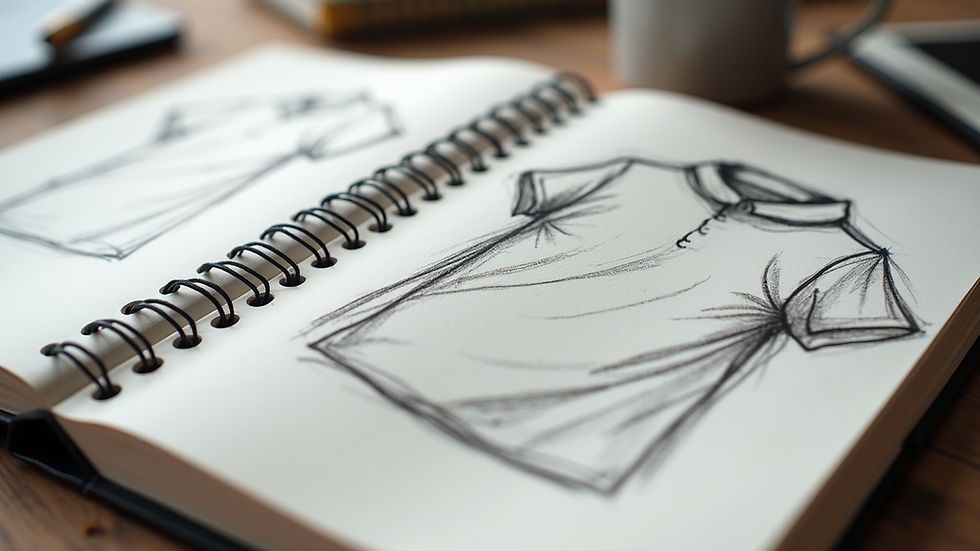
Idea. Sketch. Think.
What do you want?
Message? Image? Logo?
Keep it simple.
Draw rough shapes.
Use pencil or digital tools.
Focus on the main theme.
Colors? Style? Mood?
Decide early.
This saves time later.
Choose a theme
Pick colors
Sketch rough design
Think about shirt color
Shirt Printing Design Steps: Digital Design Tools
Software. Apps.
Pick one.
I use vector tools.
Why?
Vectors scale.
No pixel blur.
Popular tools:
Adobe Illustrator
CorelDRAW
Free: Inkscape
Set canvas size.
Usually 12x16 inches.
300 dpi resolution.
Use layers.
Keep text separate.
Use bold fonts.
Avoid thin lines.
Check colors in CMYK mode.
Save often.
Export as PNG or PDF.
Transparent background is best.
Can I design t-shirts in Canva?
Yes.
Canva is easy.
Drag and drop.
Templates ready.
Fonts and icons included.
Good for beginners.
Limitations:
No vector export
Resolution limits
Less control on layers
Still, great for quick designs.
Use high-res images.
Avoid pixelation.
Export PNG with transparent background.
Preparing Your Design for Printing
Check size.
Check colors.
Check resolution.
Print area matters.
Center your design.
Leave margins.
Avoid small details.
Use solid colors.
No gradients if possible.
Convert text to outlines.
Save final file.
I always double-check.
Ask for proof if possible.

Printing Methods and Their Impact on Design
Choose printing method.
Each has rules.
Screen printing:
Best for bulk.
Solid colors only.
Durable.
Direct to Garment (DTG):
Full color.
Photo quality.
Small runs.
Heat transfer:
Good for complex designs.
Less durable.
Match your design to method.
Ask your printer for specs.
Final Tips for Shirt Design Success
Keep it simple.
Bold. Clear.
Test on mockups.
Get feedback.
Adjust if needed.
Use how to design a shirt for printing guides.
Print a sample.
Check colors and fit.
Then print your batch.
Designing a shirt is easy.
Follow these steps.
Create your own style.
Make your message loud.
Print-Ink Your Design helps you shine.
Start now.


Comments